
What Is Technical SEO?
Technical SEO refers to optimizing the backend structure of your website so search engines can easily crawl, index, and rank your pages.
In simple words:
👉 Technical SEO = Making your website easy for Google to read.
It includes:
Website speed
Mobile-friendly design
Secure connection (HTTPS)
Clean URL structure
XML sitemap
Robots.txt
Structured data
Fixing technical errors
🧩 Why Technical SEO Matters
Technical SEO is important because it:
Helps Google crawl your website faster
Improves user experience
Increases ranking potential
Fixes hidden issues that harm SEO
Makes your website stable, secure, and optimized
Reduces bounce rate
Even if your content is amazing, poor technical SEO can stop you from ranking.
🚀 Technical SEO Basics Every Website Should Follow
Below are the essential technical SEO practices every website must apply — whether you’re a beginner or a business owner.
1️⃣ Ensure Your Website Is Mobile-Friendly
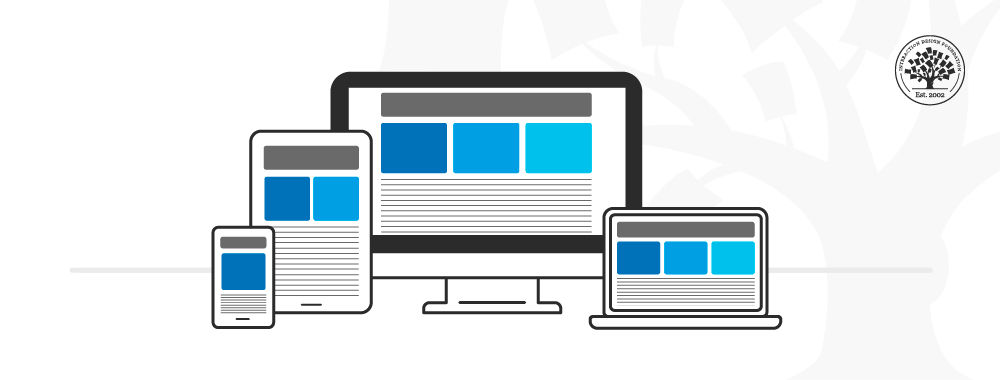
More than 60% of all searches are done on mobile.
If your website isn’t mobile responsive, Google will not rank it.
How to check:
Use Google Mobile-Friendly Test
Ensure text is readable
Avoid too many pop-ups
Buttons should be easy to click
Layout must adjust to screen size
2️⃣ Improve Website Loading Speed
Slow websites lose visitors fast.
Google wants to rank fast-loading websites because they give a better user experience.
Tools to check speed:
Google PageSpeed Insights
GTmetrix
Lighthouse
Tips to improve speed:
Compress images
Use caching
Minify CSS, JS, HTML
Use a fast hosting provider
Remove unnecessary plugins
3️⃣ Use HTTPS for Secure Browsing
Google prefers secure websites.
If your site shows “Not Secure,” visitors may leave instantly.
Actions:
Install an SSL certificate
Redirect HTTP to HTTPS
Check for mixed-content errors
Security builds trust — and trust boosts ranking.
4️⃣ Optimize Your URL Structure
Clean URLs help both users and search engines understand your page.
Good URL Example:
yourwebsite.com/seo-tips
Bad URL Example:
yourwebsite.com/123?ref=xyz&p=204
Tips:
Keep URLs short
Add main keyword
Avoid numbers & special characters
5️⃣ Create and Submit an XML Sitemap
A sitemap helps Google understand your website structure and index pages faster.
To create a sitemap:
WordPress: Yoast / RankMath
Shopify: Automatically generated
Custom website: XML generator tools
Submit it in:
Google Search Console → Sitemaps
6️⃣ Use Robots.txt Properly
Robots.txt tells search engine bots which pages to crawl or avoid.
Example:
Be careful:
A wrong robots.txt file can block your entire website from Google!
7️⃣ Fix Duplicate Content Issues
Google hates duplicate content because it confuses ranking signals.
Solutions:
Use canonical tags
Avoid publishing the same content on multiple URLs
Use proper redirects
Canonical tag example:
8️⃣ Ensure Proper Internal Linking
Internal links help Google discover your pages and understand which ones are important.
Tips:
Link related pages
Use keyword-rich anchor text
Avoid broken links
Create a strong site structure
9️⃣ Check and Fix Broken Links
Broken links create a bad user experience and hurt SEO.
Tools to find broken links:
Screaming Frog
Ahrefs
Broken Link Checker
Fix every:
404 error
Broken image
Broken internal link
🔟 Add Structured Data (Schema Markup)
Schema helps Google understand your content better and can get you rich snippets.
Examples of schema types:
Article
FAQ
Product
Person
Local Business
Review
Platforms like WordPress have plugins to add schema automatically.
1️⃣1️⃣ Use Proper Redirections (301 Redirects)
When you delete or move pages, always redirect old URLs.
Types:
301 = permanent
302 = temporary
Never leave broken pages lying around — redirect them properly.
🧭 Tools You Need for Technical SEO
Here are must-use tools to analyze and fix technical issues:
Google Search Console
Google Analytics
Google PageSpeed Insights
Screaming Frog SEO Spider
GTmetrix
Ahrefs Webmaster Tools
SEMrush Site Audit
🧠 Conclusion
Technical SEO may seem complicated, but once you understand the basics, it becomes easy to manage.
A technically sound website is faster, safer, easier to crawl, and more likely to rank on Google.
By following the technical SEO basics above, you can improve: